

CorelDRAW versions table
Identify your file using CorelDRAW release names, internal version numbers and RIFF codes.
CorelDRAW checks the version number declared inside the file before it draws anything. If the number is higher than its own, it refuses to open. The table below is what those numbers mean.
| Version | Year | Internal number | File code |
|---|---|---|---|
| CorelDRAW 2026 | 2026 | 2700 | CDRU / — |
| CorelDRAW 2025 | 2025 | 2600 | CDRT / — |
| CorelDRAW 2024 | 2024 | 2500 | CDRR / CDTV |
| CorelDRAW 2022/2023 | 2022/2023 | 2400 | CDRP / CDTT |
| CorelDRAW 2021 | 2021 | 2300 | CDRO / CDTS |
| CorelDRAW 2020 | 2020 | 2200 | CDRN / CDTR |
| CorelDRAW 2019 | 2019 | 2100 | CDRM / CDTQ |
| CorelDRAW 2018 | 2018 | 2000 | CDRL / CDTP |
| CorelDRAW 2017 | 2017 | 1900 | CDRK / CDTO |
| CorelDRAW X8 | 2016 | 1800 | CDRJ / CDTN |
| CorelDRAW X7 | 2014 | 1700 | CDRH / CDTL |
| CorelDRAW X6 | 2012 | 1600 | CDRG / CDTJ |
| CorelDRAW X5 | 2010 | 1500 | CDRF / CDTH |
| CorelDRAW X4 | 2008 | 1400 | CDRE / CDTF |
Compatibility: scope, examples and test method
The table describes CDRfix targets, not a guarantee of native opening. Check each operation separately. Updated October 22, 2026.
| Operation | Available scope | Required check |
|---|---|---|
| Inspect version | Recognizable CDR/CDT declarations | Confirm the detected release; unknown files may not be identifiable. |
| View artwork | Supported drawing profiles, including recent CDR/CDT; saved previews are a separate fallback | Check available pages, resolution, text and dimensions. |
| Convert CDR/CDT to another format | Supported source, destination and preservation profile | Availability depends on content and the selected output. Compare pages and objects. |
| Real version conversion or declared-version adjustment | X4–2026 | Re-save rebuilds supported content; adjustment changes the declaration only. Check the copy in the receiving program. |
| Convert PDF to CDR | Supported PDF profiles to native CDR structure for X4–2026 | Independent writer; verify pages, text, images and native opening in the receiving program. |
How to reproduce a test
- Keep the original and record source version, operation and target.
- Inspect the document and compare each relevant output page with the reference.
- For version adjustment or CDR output, open the copy in the receiving application. Record that release and any differences.
- A successful job or download confirms processing. Native opening and production suitability need separate checks.
Original public examples
The SVG and one-page PDF contain our own geometry. The PNG is a raster reference. The CDR is a synthetic technical package with a saved preview and version 2700: it tests inspection, preview handling and version declaration only. It is not native CorelDRAW artwork and does not prove vector conversion or native opening.
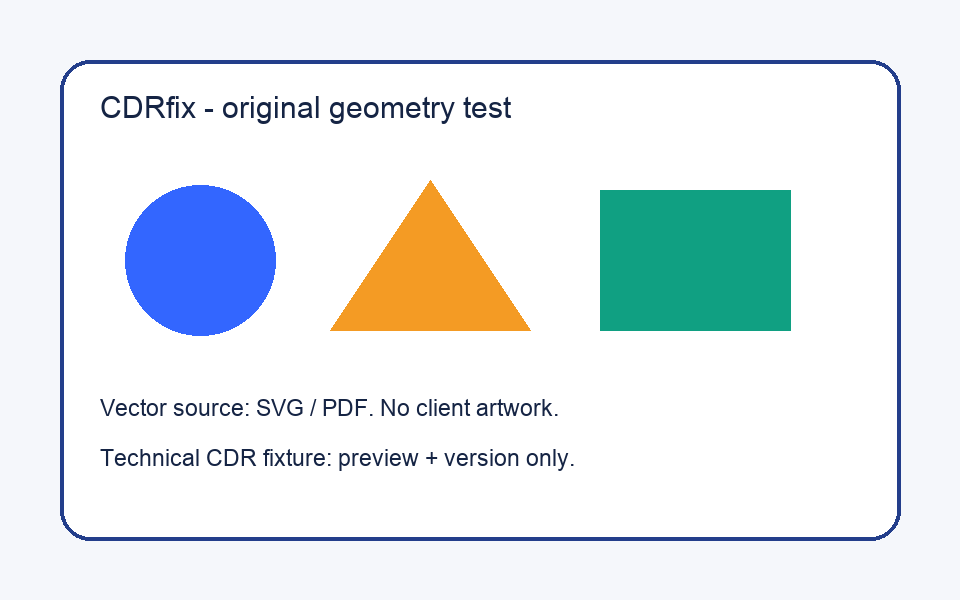
- SVG · PDF · PNG
- Technical preview fixture (.cdr)
- Legacy example: PDF → CMX-compatible .cdr · JSON
- CDR → preview / 2700 → 1600: JSON
- Method, scope and file hashes · CC0
Two walkthroughs of the technical example
Check a file now
Drop a .cdr: the version is read in your browser, nothing is uploaded.
Before X4: pure RIFF
Files from CorelDRAW X3 and earlier are not ZIP packages; they are a single RIFF stream whose code is CDR followed by a version letter (CDR9 for version 9, CDRC for X2, CDRD for X3). Modern CorelDRAW opens them directly, so they never need a downgrade.
| File code | Version |
|---|---|
| CDR1 | CorelDRAW 1 |
| CDR2 | CorelDRAW 2 |
| CDR3 | CorelDRAW 3 |
| CDR4 | CorelDRAW 4 |
| CDR5 | CorelDRAW 5 |
| CDR6 | CorelDRAW 6 |
| CDR7 | CorelDRAW 7 |
| CDR8 | CorelDRAW 8 |
| CDR9 | CorelDRAW 9 |
| CDRA | CorelDRAW 10 |
| CDRB | CorelDRAW 11 |
| CDRC | CorelDRAW 12 |
| CDRD | CorelDRAW X3 |