If you received a file with the .cdr extension and your computer cannot open it when double-clicked, the explanation is straightforward: CDR is CorelDRAW’s proprietary vector format. Neither Windows nor macOS has built-in support to read or display this format without dedicated software.
The good news is that you do not need to purchase or install CorelDRAW just to inspect the design or print it. Below, we walk through the fastest methods to view and open CDR files on your computer (Windows/Mac) and mobile device—from instant browser-based viewers to free desktop programs.

1. The fastest method: open and view online (PC, Mac, and Mobile)
If you need to check what is inside the file right now, the most convenient method is an online cloud viewer directly in your browser:
- Go to the CDRfix Online CDR Viewer.
- Drag and drop your
.cdrfile (or click to select it from your device). - The file is processed and rendered on your screen in seconds.

You can zoom in, pan across details, and inspect the vector paths. If you need to send the design to someone else or send it to print, you can download a high-resolution vector PDF or PNG/SVG in one click using the CDR to PDF converter.
Advantages:
- Runs directly in your browser (Chrome, Safari, Edge, Firefox).
- No software installation or account creation required.
- Compatible with Windows, Mac, Linux, iOS, and Android.
- Supports files saved in all recent CorelDRAW versions (including 2024 and 2025).
2. How to open CDR files on Mac
Historically, CorelDRAW was built primarily for the Windows environment. While newer native Mac versions exist, the majority of Mac designers use Adobe software (Illustrator, Photoshop) or Figma and do not have CorelDRAW installed.
If you are on macOS, here are your best options:
- View online in Safari or Chrome: CDRfix runs smoothly in any Mac browser with full hardware acceleration.
- Convert to vector PDF: Use the CDR to PDF converter. Once converted into a PDF, the file opens instantly in macOS Preview with sharp vector precision.
- Import into Adobe Illustrator: Illustrator can open some CDR files, but with a major limitation: it only supports legacy CorelDRAW files (versions 5 through 10). If the file was saved in any modern release (X7, X8, 2020 through 2024), Illustrator displays an unrecognized format error. The solution is converting the CDR to PDF or EPS first.
3. How to open CDR files on Mobile (Android & iPhone)
If you received a .cdr file on WhatsApp, Telegram, or email while on the go and need to approve a proof quickly:
- Save the
.cdrfile to your mobile device (Downloads or Files app). - Open your mobile browser (Chrome on Android or Safari on iPhone).
- Navigate to CDRfix Viewer and select the file.
- You will be able to inspect the entire layout on your phone screen and save a high-res image or PDF to send your approval.
Tip: Avoid downloading random “CDR Viewer” apps from the App Store or Google Play. Most are ad-supported wrappers that cannot render modern CorelDRAW files with accurate fonts, gradients, or colors.
4. Free desktop programs to open CDR files
If you prefer having a dedicated desktop program installed locally, open-source alternatives can handle basic CDR files:
Inkscape (Windows, Mac, and Linux)
Inkscape is the leading open-source vector editor. It relies on the libcdr library to parse CorelDRAW files.
- How to use: Open Inkscape, click
File ▸ Open..., and choose your.cdrfile. - Limitations: Great for simple curves and shapes, but often struggles with complex features like PowerClips, drop shadows, lens transparency, and proprietary font encodings.
LibreOffice Draw
The free LibreOffice productivity suite includes Draw, which has basic import filters for CDR:
- How to use: Launch LibreOffice Draw and drop the file onto the canvas.
- Limitations: Best suited for quick visual checks or minor layout reviews. Not intended for commercial print production or precision prepress.
5. Which programs open CDR files? Compatibility summary
| Program | Opens CDR? | Edits Vectors? | Notes |
|---|---|---|---|
| CDRfix (Online) | Yes | Views & Converts | No installation; outputs PDF, PNG, and older versions. |
| CorelDRAW | Yes | Yes (Native) | Original software (paid commercial license). |
| Adobe Illustrator | Partial | Yes | Legacy formats only (v5–v10); newer versions fail. |
| Inkscape | Yes | Yes (Basic) | Free & open-source; may distort complex effects. |
| LibreOffice Draw | Yes | Yes (Basic) | Free; simple geometric conversions only. |
| Adobe Photoshop | No | No | Cannot parse CDR vector data directly. |
| Windows Photos / Preview | No | No | CDR is not a standard system image format. |

6. Won’t open due to a version incompatibility?
If you do have CorelDRAW installed, but opening the file produces an error stating:
“The file cannot be opened because it was created in a newer version of CorelDRAW.”
The file is not damaged. CorelDRAW intentionally prevents older versions from loading files saved in newer builds (e.g., trying to open a CorelDRAW 2024 file in CorelDRAW 2020 or X7).
You do not need to buy an upgrade just for this file:
- Use the CDRfix Version Downgrade Tool. It rewrites the internal version declaration inside the file archive so your CorelDRAW can open it cleanly.
- Check our in-depth diagnosis: Why CorelDRAW won’t open the file you were sent.
7. The best workflow for the future: request vector PDFs with outlined fonts
Whenever working with a freelance designer, print shop, or vendor, ask them to supply the final artwork as a vector PDF:
- Export using standard PDF/X-1a or high-quality print presets.
- Request that “all text and fonts are converted to curves” (
Ctrl + Qin CorelDRAW).
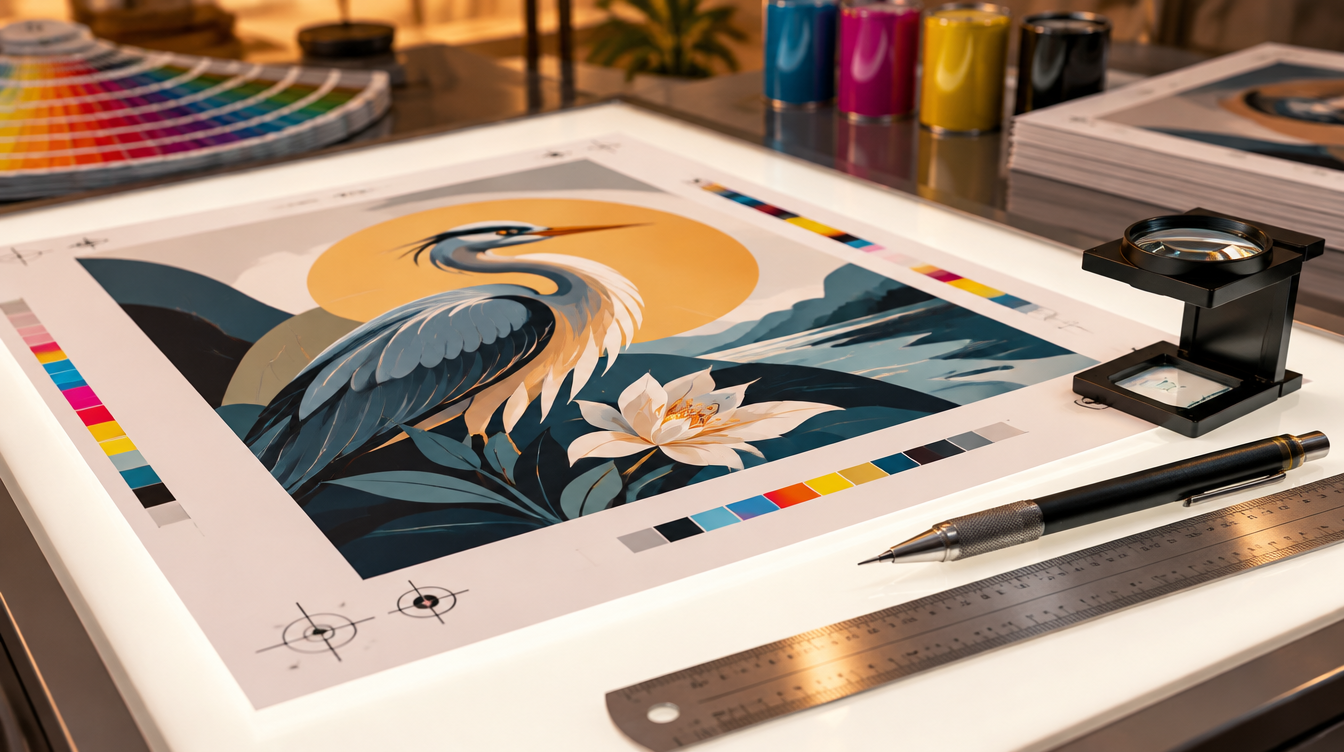
A PDF with outlined curves opens flawlessly on any computer, Mac, mobile device, or RIP software without needing installed fonts or proprietary licenses.
Frequently asked questions about opening CDR files
Can I open a CDR file for free?
Yes. You can use the free CDRfix Online CDR Viewer directly in your browser on PC, Mac, or mobile, or use free desktop software like Inkscape.
Does Photoshop open CDR files?
No. Adobe Photoshop has no native support for CorelDRAW CDR vector files. To open it in Photoshop, convert the CDR to PDF or high-resolution PNG using the CDR to PDF converter.
Why does Illustrator give an error when opening a CDR file?
Adobe Illustrator can only import legacy CorelDRAW files (versions 5 through 10). If the file was saved in CorelDRAW X7, 2020, or 2024, Illustrator does not recognize the format. The solution is to convert CDR to AI or PDF first.
How do I open a CDR file on an iPhone or Android phone?
Simply open your mobile browser, visit the CDRfix Online Viewer, and select your CDR file. You can inspect the design with pinch-to-zoom and save it as a PDF or image without downloading sketchy mobile apps.