In print shops, sign businesses, and apparel embroidery studios, the most frequent prepress roadblock is version incompatibility: a freelance designer builds the artwork in CorelDRAW 2024, but the production machine or cutting plotter runs on CorelDRAW X7 or 2020.
When you attempt to open the file on the production computer, CorelDRAW halts with an error:
“This file was created in a newer version of CorelDRAW. To open it, you must upgrade your software.”
Below is a practical guide explaining how to convert CorelDRAW versions: both for opening newer files in an older CorelDRAW and for saving legacy versions within the newest software release.
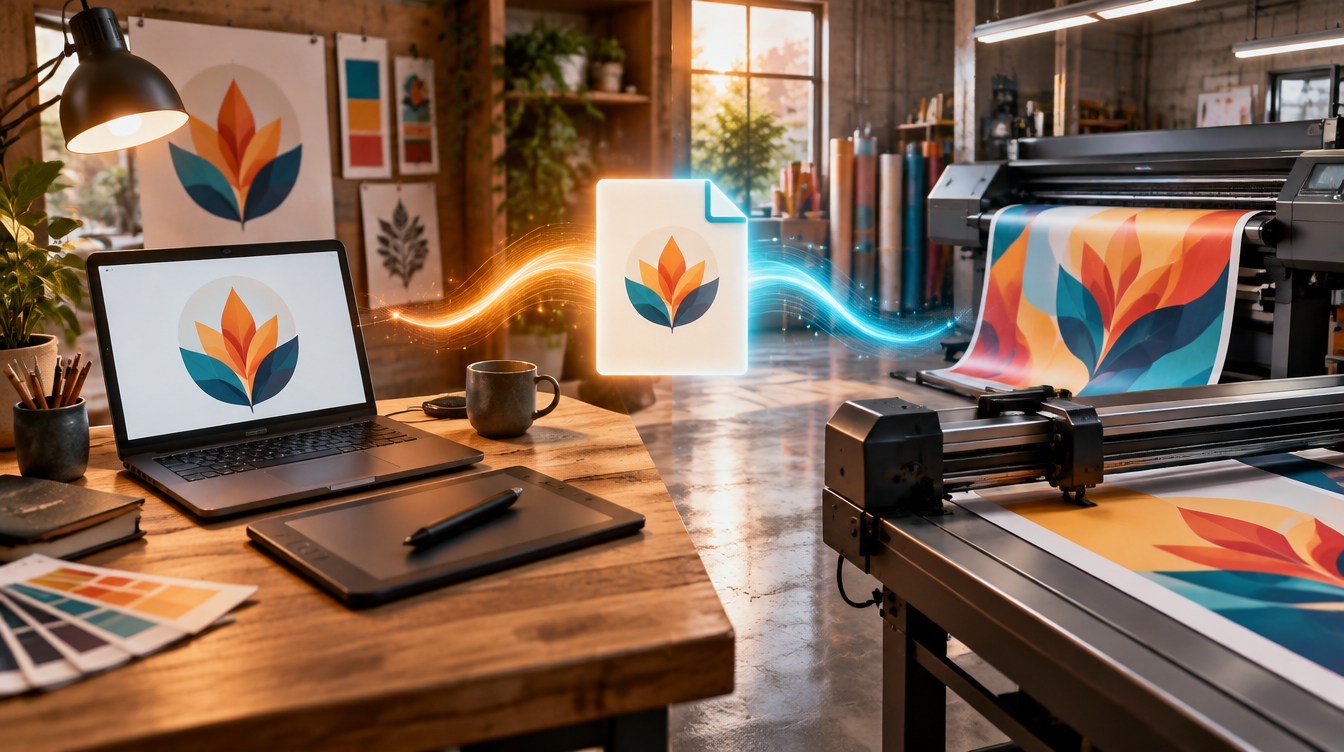
Why do print shops and sign makers stay on older CorelDRAW versions?
Customers often wonder why print providers don’t just update to the latest CorelDRAW release. There are three sound operational reasons:
- Plotter and Laser Cutter Drivers: Production machinery (Roland, Mimaki, Graphtec, or laser cutting systems) relies on proprietary plugin suites that often only support stable, tested versions like CorelDRAW X7, X8, or 2020.
- Production Stability: In continuous commercial printing environments, software upgrades can unexpectedly alter calibrated CMYK color profiles or RIP workflows.
- Licensing Costs: Commercial graphics suite subscriptions carry substantial ongoing overhead, prompting shops to retain perpetual licenses as long as equipment performs reliably.
1. How to convert CorelDRAW version online (Without the newer software)
If you are working on an older CorelDRAW machine (e.g., Corel X7, X8, or 2020) and received a file saved in Corel 2023 or 2024, you don’t need to ask the sender for a re-export or purchase an upgrade:
- Open the CDRfix Version Downgrade Tool.
- Drag and drop your
.cdrfile into the upload zone. - Choose your target version (for instance: CorelDRAW 2020, 2019, X8, X7, or X6).
- Click convert and download the adjusted file.
How does this version downgrade work?
Since CorelDRAW X4, every .cdr file is structured as a compressed ZIP container housing internal XML descriptors. The declared software version is stored within specific headers inside this package.
CDRfix rewrites this internal version identifier. Consequently, your legacy CorelDRAW software accepts the file without throwing an error dialog, keeping all original vector curves, outlines, and colors intact.
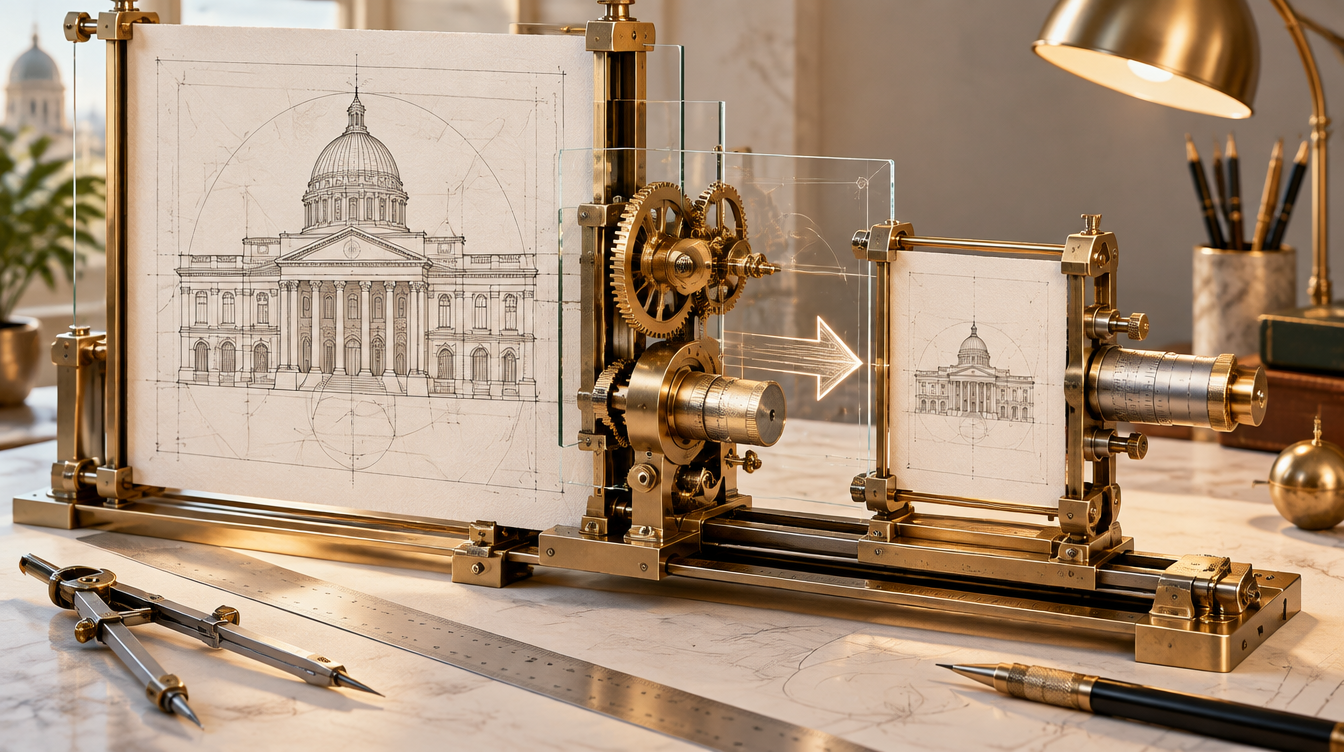
2. How to save as an older version in CorelDRAW (From the original computer)
If you have the modern version of CorelDRAW installed and need to share files with a vendor or print shop using legacy software, use the native save-down feature:
Instructions within CorelDRAW:
- With your finished artwork open, navigate to
File ▸ Save As…(Ctrl + Shift + S). - Select your destination directory and provide a clear filename (e.g.,
artwork-v2020.cdr). - At the bottom of the Save dialog, find the Version dropdown.
- Click the dropdown and select the desired target release (such as Version 22.0 / 2020, Version 18.0 / X8, or Version 17.0 / X7).
- Click Save.
Important: Always save under a new filename so your original file remains an uncompressed master copy in the latest version.
3. What happens to effects when converting to older versions?
When saving down or converting to an older CorelDRAW release, here is what is safely preserved and what requires a visual check:
| Graphic Element | Behavior When Downgrading | Recommended Action |
|---|---|---|
| Curves, nodes, and basic shapes | 100% preserved identically. | Safe; no special action required. |
| Typography and fonts | Preserved if fonts exist on target PC. | Always outline text (Ctrl + Q) before sending. |
| Standard fills (Uniform & Gradients) | Preserved cleanly. | Safe. |
| Lenses and advanced transparency | May be flattened or rasterized across wide version gaps. | Inspect artwork on target machine before cutting. |
| New 3D effects & live shadows | Might lose interactivity and turn into static objects. | Break apart drop shadow groups (Ctrl + K) if needed. |
4. CorelDRAW Internal Version Numbers
To identify which release matches your file or build number, reference this lookup table:
| Commercial Name | Internal Version | Release Year |
|---|---|---|
| CorelDRAW 2025 | v27 | 2025 |
| CorelDRAW 2024 | v26 | 2024 |
| CorelDRAW 2023 | v25 | 2023 |
| CorelDRAW 2022 | v24 | 2022 |
| CorelDRAW 2021 | v23 | 2021 |
| CorelDRAW 2020 | v22 | 2020 |
| CorelDRAW 2019 | v21 | 2019 |
| CorelDRAW 2018 | v20 | 2018 |
| CorelDRAW 2017 | v19 | 2017 |
| CorelDRAW X8 | v18 | 2016 |
| CorelDRAW X7 | v17 | 2014 |
| CorelDRAW X6 | v16 | 2012 |
To check the version of any file in seconds without opening CorelDRAW, drop it into the CDRfix Version Table Checker.
5. The bulletproof alternative: deliver vector PDFs
If the sole purpose of sending the file is printing, laser cutting, or plotting, you do not have to exchange native .cdr files.
The graphic arts industry standard is PDF/X-1a:
- Older and newer CorelDRAW versions import PDFs without version verification locks.
- Outlined text (
Ctrl + Q) eliminates missing font issues.
You can also use the CDRfix CDR to PDF converter to create print-ready files on the fly.
Frequently asked questions about converting CorelDRAW versions
How do I save a CorelDRAW 2024 file to version X7?
If you have CorelDRAW 2024 installed, click File ▸ Save As... and pick Version 17.0 (X7) from the version dropdown. If you do not have CorelDRAW 2024 and received the file, use the CDRfix Online Downgrade Tool.
What happens to transparency and lens effects when downgrading?
Pure vector paths, nodes, solid fills, and standard gradients stay completely intact and editable. Advanced effects introduced in newer releases may be rasterized to high-resolution CMYK bitmaps or separated into curves to preserve exact visual appearance.
Is it safe to downgrade a CDR file online?
Yes. With CDRfix, your vector files are processed through an encrypted sandbox and permanently deleted from our servers after conversion, ensuring your intellectual property and designs remain strictly confidential.
Which CorelDRAW version is most widely supported by print shops?
Most commercial print shops, signmakers, and laser engraving shops use CorelDRAW X7 (v17) or CorelDRAW 2020 (v22). Downgrading to version X7 or exporting to PDF/X-1a with outlined curves guarantees compatibility across production shops.